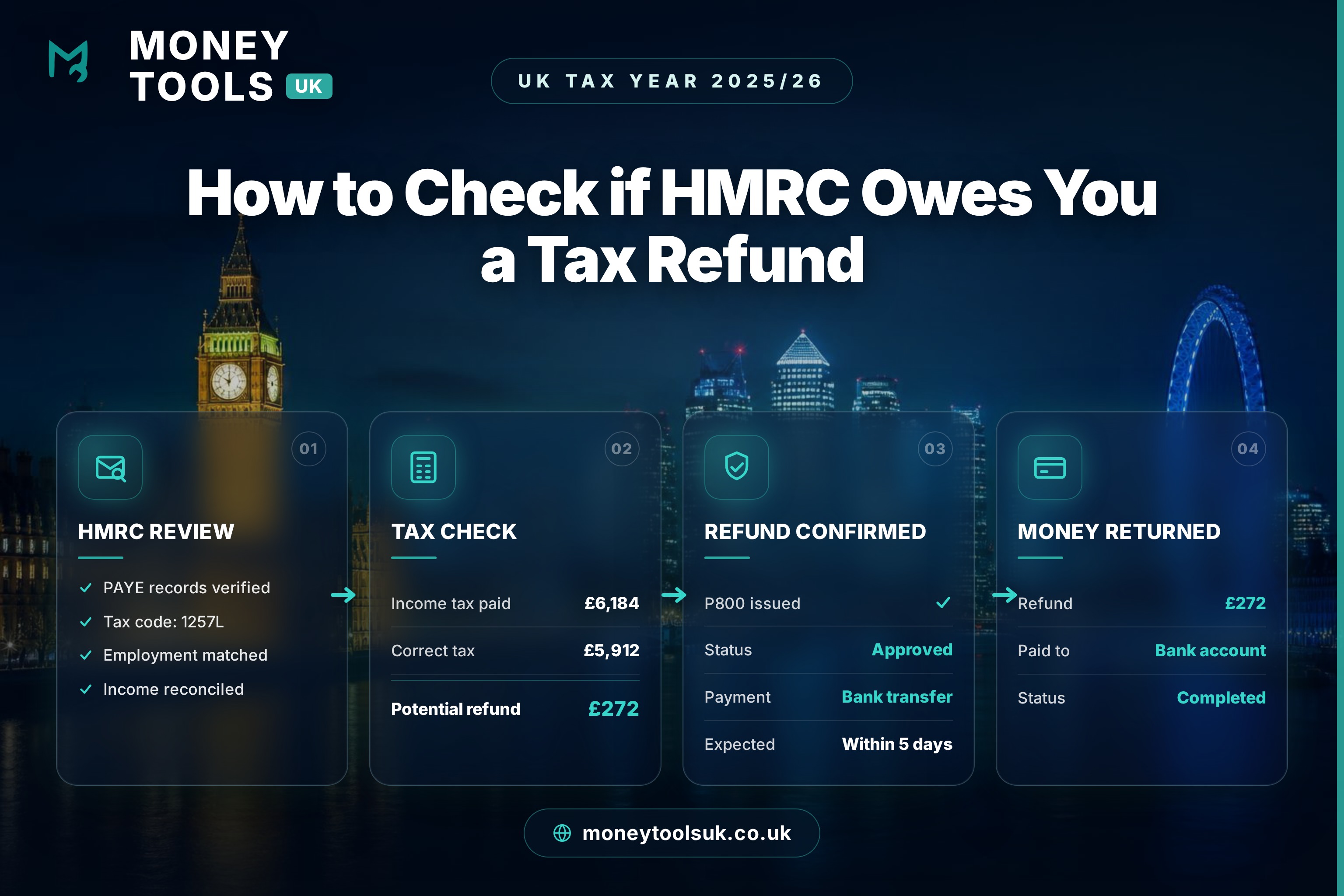
Cost to check
Free
Where to check
HMRC account
Typical refund time
~5 days–8 weeks
Maximum claim period
4 tax years
Checking whether HMRC owes you a tax refund is free and takes minutes. You can do it yourself through your HMRC Personal Tax Account — you never need to pay a company a cut of your own money to claim it back.
Every year, large numbers of UK taxpayers pay more Income Tax than they actually owe. It usually happens quietly, through nobody’s fault: the wrong tax code, emergency tax after starting a job, a gap between jobs, stopping work part-way through the year, or expenses you were entitled to claim but never did. Because the deduction happens automatically through PAYE, most people never realise the money has gone.
The reassuring news is that HMRC has clear, well-established systems for putting overpayments right — and you can check for free. This guide explains, in plain English, what a tax refund is, why they happen, how to check whether HMRC owes you money using your Personal Tax Account, how P800 calculations and Simple Assessment work, when HMRC refunds you automatically, when you need to claim yourself, and how to stay safe from the tax refund scams that target this exact topic.
Everything here reflects HMRC guidance for the 2025/26 tax year. Worked examples are illustrative, and this guide is educational rather than personal tax advice. It does not promise that a refund is due in your situation — only your own records can confirm that.
Typical refund situations
How much could you be owed?
- Wrong tax code
- £100–£800
- Emergency tax
- £300–£2,000+
- Stopped work mid-year
- £200–£1,500
- Unclaimed work expenses
- £20–£500+
- Pension emergency tax
- Often £1,000+
The quick answer
To check whether HMRC owes you a tax refund, sign in to your HMRC Personal Tax Account at GOV.UK. There you can see your tax code, the tax you have paid, and any P800 or Simple Assessment tax calculation showing an overpayment. If HMRC calculates that you have overpaid, it will usually either refund you automatically or tell you how to claim online.
Key point
Checking is free and you can do everything yourself through official GOV.UK services. HMRC will never text, email or call you with a link to “claim your refund” — that is always a scam. Never pay a company an up-front fee or a percentage to claim a refund you can get for nothing.
What is a tax refund?
In short: a tax refund (or “tax rebate”) is simply money HMRC gives back when you have paid more Income Tax than you actually owed for a tax year. It is your own money being returned — not a bonus or a windfall.
A tax refund is a repayment of tax you paid but did not owe. The UK collects most Income Tax through PAYE (Pay As You Earn), where your employer or pension provider deducts tax before you are paid, based on the tax code HMRC gives them. PAYE is designed to be roughly right across a full year, but it works from estimates — so when something changes, you can easily end up having paid too much.
When the tax deducted over the year turns out to be more than your actual bill, HMRC owes you the difference. That difference is your tax refund. The same principle applies whether you are an employee, a pensioner, or someone who has stopped work part-way through the year.
Refund, rebate, repayment — same thing
Why HMRC tax refunds happen
Tax refunds are not a sign that anyone did anything wrong. They are a normal, expected part of how PAYE works. Because tax is deducted from each payslip using an estimate of your whole-year income, any change to your circumstances mid-year can leave the estimate too high — and you pay more tax than you owe until it is corrected.
How an overpayment turns into a refund
The most common reasons people overpay
If any of the following happened to you, it is worth checking whether you are owed a refund. These are the situations HMRC sees most often:
- You were on an emergency tax code — common when starting a new job without a P45, so too little of your tax-free allowance was applied at first.
- You had the wrong tax code — an out-of-date code can tax income that should have been tax-free, or apply the wrong allowances.
- You changed jobs or had more than one job — allowances can be split or duplicated incorrectly across employers.
- You stopped working part-way through the year — you may not have used your full personal allowance, leaving tax overpaid.
- You were only employed for part of the year — students and seasonal workers frequently overpay for this reason.
- You had work expenses you never claimed — such as professional fees, uniforms or working-from-home costs.
- You took a pension withdrawal — emergency tax often overtaxes the first flexible payment (see our pension tax refund guide).
- You paid too much on savings or PPI interest — tax deducted at source can exceed what you owe once your allowances are applied.
- You made Gift Aid donations or pension contributions as a higher-rate taxpayer and did not claim the extra relief.
Money Tools UK tip
How to check if HMRC owes you money
There are three main ways to find out whether you have overpaid tax. For most people, the fastest and most reliable is the online Personal Tax Account.
1. Personal Tax Account
Sign in at GOV.UK to see your tax code, tax paid and any repayment owed. Fastest and free.
2. P800 / Simple Assessment
HMRC posts (or shows online) a year-end calculation if it thinks you overpaid or underpaid.
3. Contact HMRC
If your situation is unusual, you can ask HMRC to review your tax by phone or post.
Before you start, it helps to have your National Insurance number, recent payslips or your P60 (the year-end summary from your employer), and any P45 from a job you left. These let you compare what you earned and paid against HMRC’s records.
How to use your Personal Tax Account
Your HMRC Personal Tax Account is a free online service that shows your tax information in one place. It is the single best tool for checking whether HMRC owes you a refund.
Step by step
- ✓Go to GOV.UK and search for “Personal Tax Account”, then select “Sign in”
- ✓Log in with your Government Gateway user ID, or verify your identity to create one
- ✓Open the Income Tax section to see your current tax code and estimated income
- ✓Check for any P800 or Simple Assessment tax calculation showing a repayment
- ✓Review the tax you have paid against what you actually earned
- ✓If a refund is shown, follow the on-screen prompts to claim it to your bank account
You can create or access your account on GOV.UK. To sign in you will need a Government Gateway user ID and password; if you do not have one, you can create one and verify your identity online.
Only ever sign in via GOV.UK
How to check your PAYE records
Within your Personal Tax Account you can see your PAYE Income Tax details — the record of what each employer or pension provider has reported to HMRC. This is where many overpayments become obvious.
- Check your employers are correct — make sure every job you had in the year is listed, and that none appear twice.
- Check your pay and tax figures — compare them against your payslips and P60. Large gaps can point to an error.
- Check any benefits in kind — a company car or medical insurance affects your code (see our company car tax guide).
- Check estimated income — if HMRC’s estimate is too high, your code may be deducting too much tax.
If the figures HMRC holds do not match your own records, that mismatch is often the reason you have overpaid — and correcting it is what triggers a refund.
How to understand your tax code
In short: your tax code tells your employer how much tax-free income to give you before deducting tax. The standard code for 2025/26 is 1257L, reflecting the £12,570 personal allowance. A wrong code is one of the biggest causes of overpaid tax.
Your tax code is a short combination of numbers and letters — for example 1257L. The number, multiplied by ten, is roughly the tax-free income you get for the year (£12,570 for the standard code). The letter reflects your situation.
| Tax code | What it usually means | Refund risk |
|---|---|---|
| 1257L | Standard code — full personal allowance of £12,570. | Low, if correct |
| BR | All income taxed at basic rate (20%), no allowance — common on a second job. | Higher if it’s your only job |
| 0T | No tax-free allowance applied — often used when HMRC lacks details. | High |
| W1 / M1 / X | Emergency code on a non-cumulative basis — taxes each period in isolation. | High until corrected |
| K codes | You have income or benefits that exceed your allowance (e.g. a company car). | Check it’s accurate |
Emergency and 0T codes are the usual culprits
How P800 tax calculations work
A P800 is a tax calculation HMRC produces after the end of the tax year (which runs to 5 April) if its automatic reconciliation shows you paid too much or too little tax through PAYE. It compares the tax you paid against the tax you actually owed.
- If you overpaid — the P800 shows a refund. You may be able to claim it online to your bank account, or HMRC may send a cheque.
- If you underpaid — the P800 shows tax owed, usually collected by adjusting your tax code the following year.
- Timing — P800s are typically issued between June and November after the tax year ends.
- Only for PAYE — P800s cover people taxed under PAYE, not those who file a Self Assessment tax return.
Claim an online P800 refund promptly
How Simple Assessment works
A Simple Assessment is a tax bill (or refund calculation) HMRC issues to people whose tax cannot be collected automatically through PAYE but who do not need a full Self Assessment return — for example some pensioners or people with certain untaxed income.
- HMRC does the calculation — using information it already holds from employers, pension providers and banks.
- You check it — review the figures against your own records and contact HMRC within 60 days if you disagree.
- It can show a refund — if the assessment shows you overpaid, HMRC repays the difference.
Always check the figures
Automatic refunds vs claiming yourself
Some refunds arrive without you doing anything; others you must actively claim. Knowing which applies to you avoids both unnecessary waiting and missing money you are owed.
| Situation | Automatic or claim? | What to do |
|---|---|---|
| PAYE overpayment found at year end | Usually automatic (P800) | Claim online if offered; otherwise a cheque is sent |
| Wrong tax code during the year | Often needs a nudge | Tell HMRC so the code is corrected and tax refunded |
| Work expenses not claimed | You must claim | Claim on GOV.UK for the current and past four years |
| Pension withdrawal overtaxed | Claim (or wait) | Use P55, P53Z, P50Z or P53 — see our pension guide |
| Left the UK / stopped work | You must claim | Use the relevant HMRC form (e.g. P50, P85) |
You can claim for previous years too
Worked examples
The figures below are illustrative only and use the 2025/26 personal allowance of £12,570 and England, Wales and Northern Ireland tax bands. They show the principle rather than your exact outcome.
Case study 1 — Emergency tax on a new job
Tom, 24 — started a new job mid-year
Approx. refund
£600
- Profile
- A graduate starting his first permanent role in July.
- Situation
- He began without a P45 from his previous casual work, so his employer applied an emergency tax code.
- Why tax was overpaid
- The emergency code taxed him as if part of his £12,570 personal allowance had already been used elsewhere, so too little tax-free pay was applied early on.
- HMRC outcome
- At the year-end PAYE reconciliation, HMRC saw his full allowance had not been used and issued a P800 confirming an overpayment.
Money Tools UK takeaway
If you start a job without a P45, check your tax code within a few payslips — spotting an emergency code early can prevent months of overpaid tax.
Case study 2 — Stopping work part-way through the year
Aisha, 31 — left work in October
Approx. refund
~£900
- Profile
- An employee who stopped working in October after earning £18,000 for the year so far.
- Situation
- Her PAYE deductions assumed she would keep earning at the same rate for the whole tax year.
- Why tax was overpaid
- Because she stopped early, a large part of her personal allowance for the remaining months went unused, leaving tax overpaid on her earlier pay.
- HMRC outcome
- Rather than waiting for the automatic year-end review, she claimed early using form P50 and HMRC repaid the overpaid tax.
Money Tools UK takeaway
If you stop working and won’t claim taxable benefits, form P50 lets you reclaim overpaid tax straight away instead of waiting until after 5 April.
Case study 3 — Unclaimed work expenses
Ravi, 42 — professional membership fees
Approx. refund
~£250 (4 years)
- Profile
- A basic-rate taxpayer who pays £250 a year in professional membership fees required for his job.
- Situation
- He had paid the fees for years but never claimed the tax relief he was entitled to.
- Why tax was overpaid
- Allowable work expenses reduce taxable income, but the relief is not applied automatically — you have to claim it.
- HMRC outcome
- He claimed on GOV.UK for the current and past four years, recovering roughly £50 a year — about £250 in total, paid directly by HMRC.
Money Tools UK takeaway
Small annual expenses add up. Because you can usually claim back four tax years, checking once can be worth several times a single year’s relief.
Case study 4 — Pension emergency tax
Margaret, 67 — flexible pension withdrawal
Approx. refund
Often £1,000+
- Profile
- A recently retired saver who took her first flexible lump sum from a defined contribution pension.
- Situation
- HMRC had no up-to-date tax code for the payment, so her pension provider applied an emergency “month 1” code to the whole withdrawal.
- Why tax was overpaid
- The emergency code treated the one-off lump sum as if she would receive the same amount every month, pushing part of it into higher tax bands and taxing far more than she actually owed for the year.
- HMRC outcome
- Because she had taken her full pension pot and stopped further withdrawals, she claimed straight away using form P55 rather than waiting for the year-end review, and HMRC repaid the overpaid tax.
Money Tools UK takeaway
Flexible pension withdrawals are one of the most common causes of large overpayments. If emergency tax is deducted, forms P55, P53Z and P50Z let you reclaim it quickly — see our HMRC Pension Tax Refund Explained guide for which form fits your situation.
| Person | Why overpaid | How refunded |
|---|---|---|
| Tom | Emergency code on a new job | Automatic P800, claimed online |
| Aisha | Stopped work mid-year | Claim with form P50 |
| Ravi | Unclaimed work expenses | Claim on GOV.UK (up to 4 years) |
See what tax you should really pay
Use the Money Tools UK Take-Home Pay Calculator to work out your correct tax for 2025/26, so you can spot whether PAYE has deducted too much.
Decision tree: are you owed a refund?
Step 1 — Did your income or job change this year?
Started or left a job, retired, took a pension, or worked only part of the year? If yes, a refund is more likely — go to Step 2. If no, still check your tax code in Step 2.
Step 2 — Check your Personal Tax Account and tax code
Was your code BR, 0T or an emergency (W1/M1/X) code, or does the tax paid look too high? If yes, go to Step 3.
Step 3 — Is there a P800 or Simple Assessment?
If a calculation shows a repayment → claim it online. If not but you still think you overpaid (e.g. expenses, stopping work) → claim directly using the relevant HMRC form.
The refund decision flow
Income or employment changed?
Started or left a job, retired, took a pension, or worked only part of the year.
Check your tax code
Look for BR, 0T or emergency (W1/M1/X) codes, which often mean too much tax.
Check your Personal Tax Account
Sign in at GOV.UK to compare tax paid with what you actually owed.
P800 or Simple Assessment found?
A calculation showing a repayment confirms HMRC owes you money.
Claim online
Claim the repayment to your bank, or use the right form (P50, P87).
Refund received
The overpaid tax is paid back to you.
How to claim your refund step by step
Your refund checklist
- ✓Gather your P60, P45, recent payslips and National Insurance number
- ✓Sign in to your HMRC Personal Tax Account at GOV.UK
- ✓Check your tax code and compare tax paid with what you actually owed
- ✓Look for a P800 or Simple Assessment showing a repayment
- ✓Claim online to your bank account, or complete the relevant form (e.g. P50, P87 for expenses)
- ✓Keep a record of your claim reference and wait for the refund
You can check and claim on GOV.UK – Claim a tax refund. To claim work expenses, use GOV.UK – Claim tax relief for your job expenses. HMRC pays refunds directly to you or a nominated bank account.
Money Tools UK tip
Tax refund timeline
How quickly you get your money depends on how you claim. As a rough guide for 2025/26, the process runs through these stages:
From check to money in your account
Check completed
You review your Personal Tax Account, or a P800 / Simple Assessment appears.
Minutes
HMRC reviews the information
HMRC confirms the overpayment against its records.
Days to a few weeks
Refund approved
The repayment is confirmed and released for payment.
Once verified
Bank payment or cheque issued
Paid to your bank if you claim online, or posted as a cheque.
~5 days online · up to ~6 weeks by cheque
Money received
The overpaid tax lands back with you.
Sooner if you claim actively
| Method | Typical time | Notes |
|---|---|---|
| Online P800 claim to bank | About 5 working days | Fastest route when offered |
| P800 cheque (no action) | Up to ~6 weeks | Sent automatically if you don’t claim online |
| Form claim (P50, P87 etc.) | Several weeks | Times vary with HMRC workload |
| Automatic year-end review | Months after 5 April | Slowest; happens if you do nothing |
Claiming actively is usually faster
Money Tools UK tip
Common mistakes to avoid
Assuming your tax is always correct
PAYE works from estimates. A quick check after any change is well worth the few minutes it takes.
Paying a company a cut
Refund agents can take 30% or more. You can claim directly from HMRC for free.
Ignoring past years
You can usually claim for up to four previous tax years — don’t only check the current one.
Clicking refund links
HMRC never sends refund links by text or email. Always go to GOV.UK yourself.
How to avoid tax refund scams
Scam warning
Tax refund scams are extremely common. Fraudsters send texts, emails and calls claiming you are owed a refund, then steal your bank or ID details. HMRC will never text or email you a link to claim a refund, ask for your bank details out of the blue, or pressure you to act immediately.
- Never click links in unexpected “tax refund” texts or emails — go to GOV.UK directly.
- Never share your Government Gateway details, bank details or one-time codes with anyone who contacts you.
- Be wary of urgency — “claim within 24 hours” messages are a classic scam tactic.
- Check the sender — genuine HMRC messages appear inside your Personal Tax Account, not as random links.
- Report suspicious messages — forward scam emails to HMRC’s phishing team and texts to 60599.
If in doubt, stop
What to do if HMRC has made a mistake
Sometimes the figures HMRC holds are simply wrong — an employer reported the wrong pay, a benefit was recorded that you never received, or a code was never updated. If you think a calculation is incorrect, you can challenge it.
- Gather your evidence — payslips, P60, P45 and bank statements that show the correct figures.
- Contact HMRC — through your Personal Tax Account, by phone or in writing, explaining what you believe is wrong.
- Act within any deadline — for a Simple Assessment you generally have 60 days to query it.
- Keep records — note who you spoke to, dates and reference numbers.
- Ask for a review or complaint — if you disagree with HMRC’s decision, you can request a formal review.
Corrections can trigger a refund
Money Tools UK tips
- Check your tax code every April — a new tax year is a natural moment to confirm it is right.
- Keep your P60 and payslips — they are your evidence if figures need correcting.
- Tell HMRC promptly when things change — a new job, retirement or benefit change keeps your code accurate.
- Claim expenses you are entitled to — small annual amounts add up over four years.
- Use official channels only — GOV.UK and the HMRC app; never a link in a message.
Coming soon: HMRC Tax Refund Calculator
What should I do next?
Money Tools UK summary
- Check: sign in to your HMRC Personal Tax Account — it is free and shows your tax code, tax paid and any repayment.
- Understand: P800 and Simple Assessment are how HMRC tells you about overpayments; a wrong tax code is the usual cause.
- Claim: claim online where offered, or use the right form. You can go back up to four tax years.
- Stay safe: HMRC never texts or emails refund links — ignore them and use GOV.UK directly.
The key lesson is empowering: checking whether HMRC owes you a refund is free, quick and entirely within your control. Most overpayments come from ordinary changes — a new job, an out-of-date tax code, or a year you did not work in full — and HMRC has clear systems to put them right. You do not need to pay anyone a share of your own money to get it back.
Start by signing in to your Personal Tax Account, confirm your tax code, and look for any P800 or Simple Assessment. Then explore the related Money Tools UK calculators and guides below to check your correct tax and keep more of what you earn — where it belongs.
Confirm the tax you should actually pay
Model your 2025/26 Income Tax and take-home pay with the Money Tools UK calculator, so you can see at a glance whether PAYE has taken too much.
Related guides
These Money Tools UK guides explain the tax rules that most often lead to refunds and overpayments.
- HMRC Pension Tax Refund Explained — why pension withdrawals are overtaxed and how to reclaim it.
- How Bonuses Are Taxed in the UK — why one-off payments are often overtaxed at first.
- Company Car Tax Explained — how benefits in kind change your tax code.
- The Personal Allowance Taper Explained — how high income erodes your tax-free allowance.
- Marriage Allowance Explained — a simple way some couples reduce their tax bill.
Related calculators
- Take-Home Pay Calculator — see how income is taxed across the 2025/26 bands.
- Salary to Hourly Calculator — convert income figures when checking your pay.
- Budget Planner — plan your monthly income and outgoings.
- Student Loan Calculator — check how repayments interact with taxable income.
Sources & references
This guide reflects official UK government and HMRC guidance on tax refunds, PAYE, tax codes, P800 calculations, Simple Assessment and the Personal Tax Account for the 2025/26 tax year.
- GOV.UK — Claim a tax refund
- GOV.UK — Tax overpayments and underpayments (P800)
- GOV.UK — Simple Assessment
- GOV.UK — Personal tax account: sign in or set up
- GOV.UK — Tax codes
- GOV.UK — Claim tax relief for your job expenses
- GOV.UK — Claim back Income Tax when you've stopped work (P50)
- GOV.UK — Income Tax rates and Personal Allowances
- GOV.UK — Report suspicious HMRC emails, texts and phone calls
Last updated
This article was last reviewed on 13 July 2026 and reflects UK rules on tax refunds, PAYE, tax codes, P800 calculations, Simple Assessment and the HMRC Personal Tax Account for the 2025/26 tax year. We refresh this guide each time HMRC publishes a material change.
Reviewed by Money Tools UK Editorial Team
This guide was reviewed for accuracy against HMRC and GOV.UK guidance on tax refunds, tax codes, PAYE and the Personal Tax Account for the 2025/26 tax year. We regularly update our tax content when thresholds, rates or processes change.
Last reviewed: 13 July 2026
Disclaimer
Money Tools UK provides educational information and calculators only. This article is not tax, accounting, legal or financial advice, and it does not promise a refund. Whether you are owed a refund — and how much — depends entirely on your income, tax code and the tax actually owed for the year. Always check current HMRC guidance and, where amounts are significant, speak to a qualified accountant or tax adviser.
Get new UK finance and property guides from Money Tools UK
Plain-English UK finance insights, tax updates and property investing guides.
Related calculators
Take-Home Pay Calculator
The exact calculator this article is built around — open it and run your own numbers.
Open calculatorFrequently asked questions
Related guides
More flagship guides and tools from Money Tools UK.
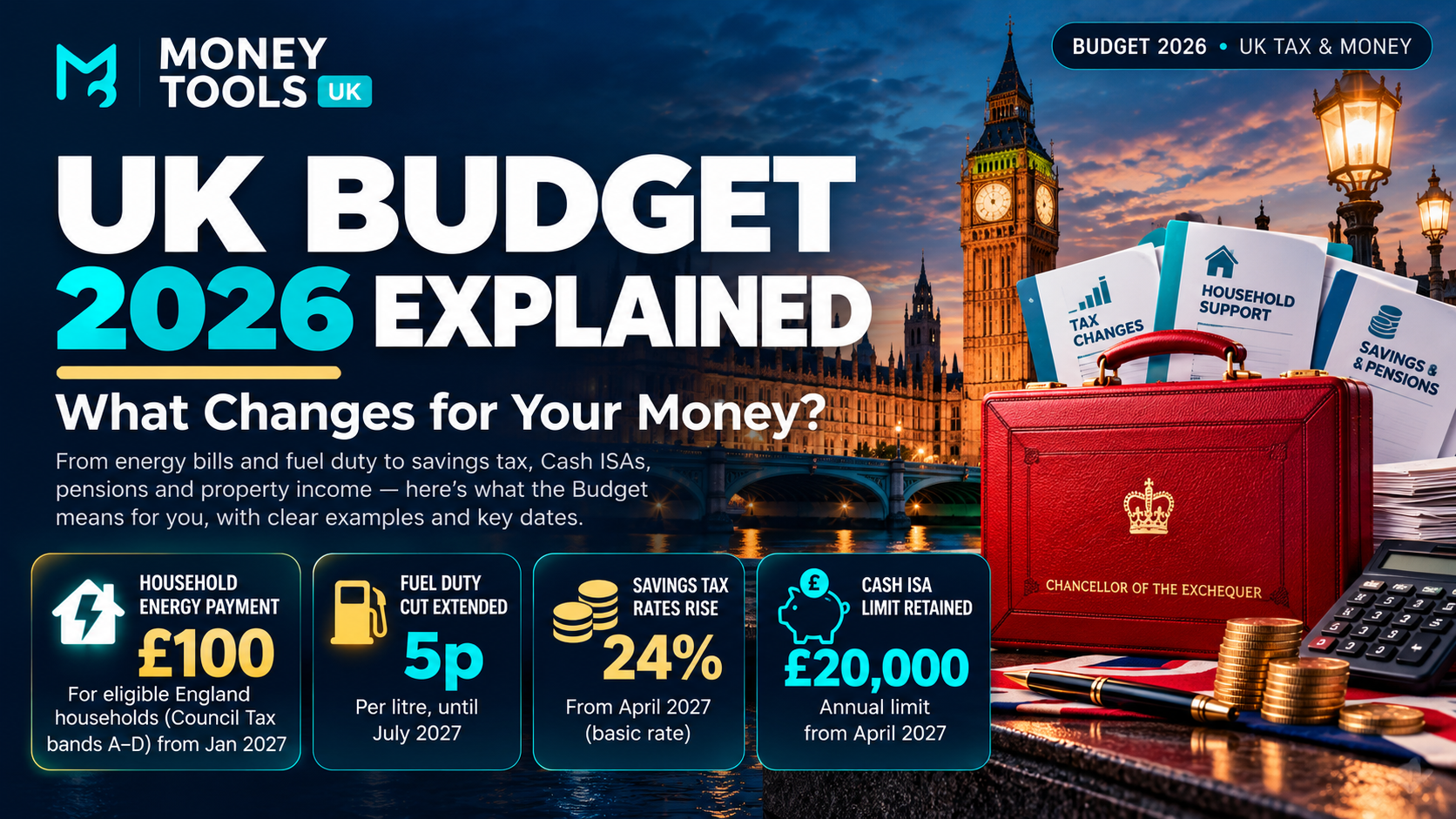
Energy bills, savings tax, Cash ISAs, fuel duty, pensions and property income: discover what the Autumn Budget means for your finances, when changes take effect and how much they could cost or save you.
Read guide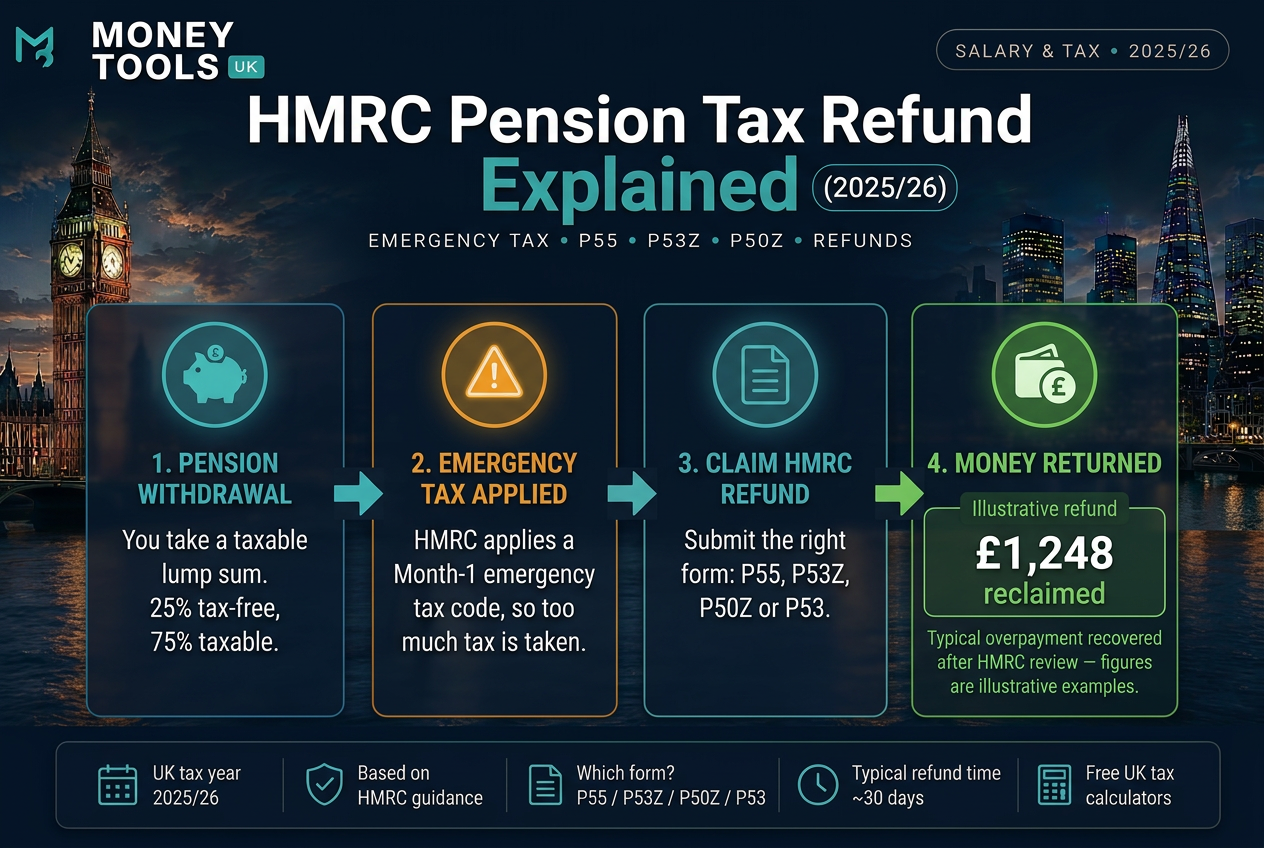
Why HMRC overtaxes pension withdrawals with emergency tax, how pension tax refunds work, and which form to use — P55, P53Z, P50Z or P53 — to reclaim overpaid tax for 2025/26.
Read guide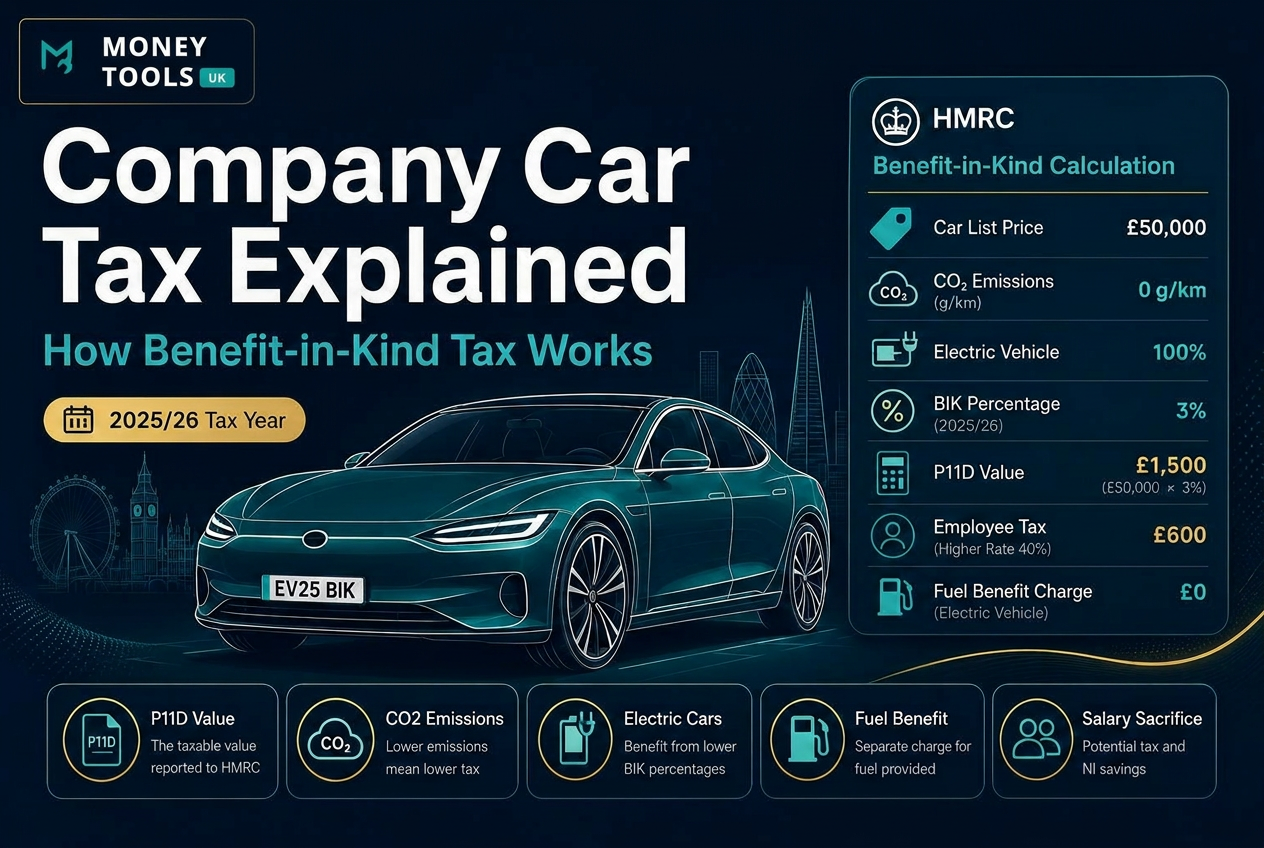
Learn how UK company car tax works in 2025/26, including Benefit-in-Kind tax, P11D value, CO2 emissions, electric cars, fuel benefit and salary sacrifice examples.
Read guideDisclaimer: This content is for informational purposes only and should not be treated as financial, tax, mortgage, investment or legal advice.